Tera Term Mac
Tera Term, ported to macOS.
Use your usual SSH and macros on your Mac, just as they are.
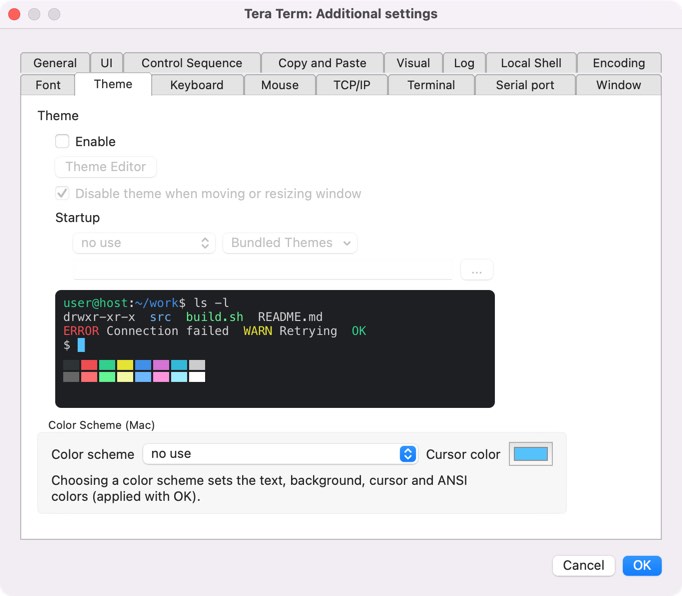
Features
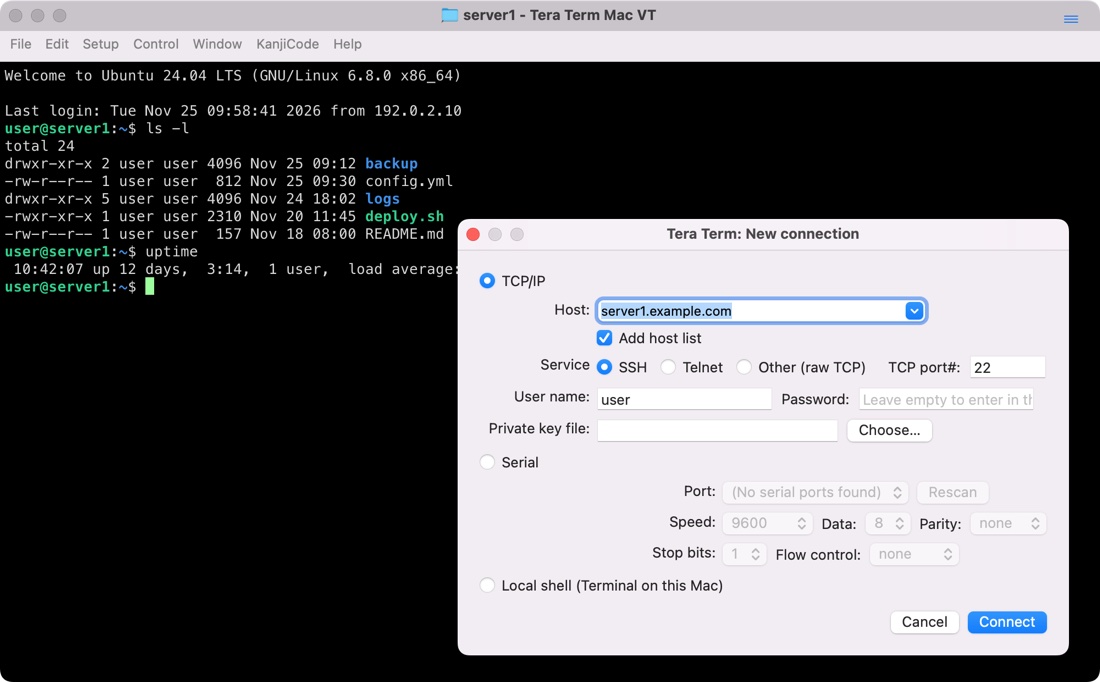
- Connect over SSH, Telnet, serial ports, or this Mac's local shell
- TTL macros (your Windows .ttl files run as they are)
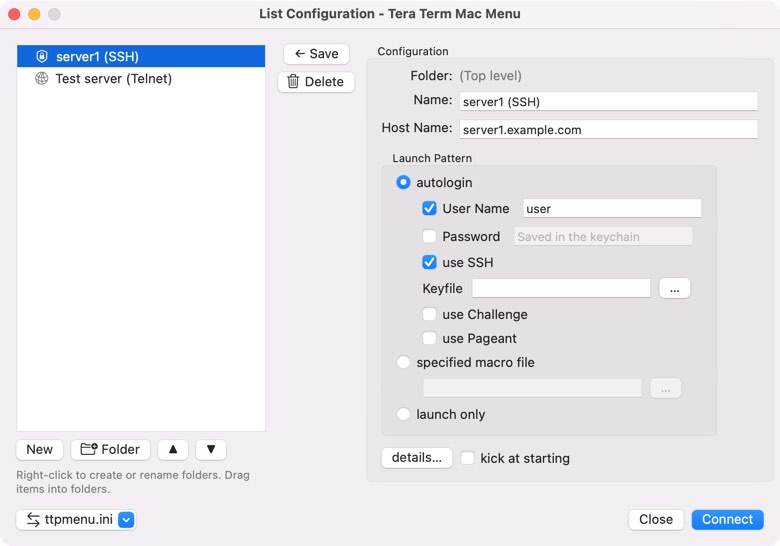
- TeraTerm Menu to save hosts (passwords in the keychain)
- Logging, and file transfer with XMODEM, YMODEM, ZMODEM, Kermit and more
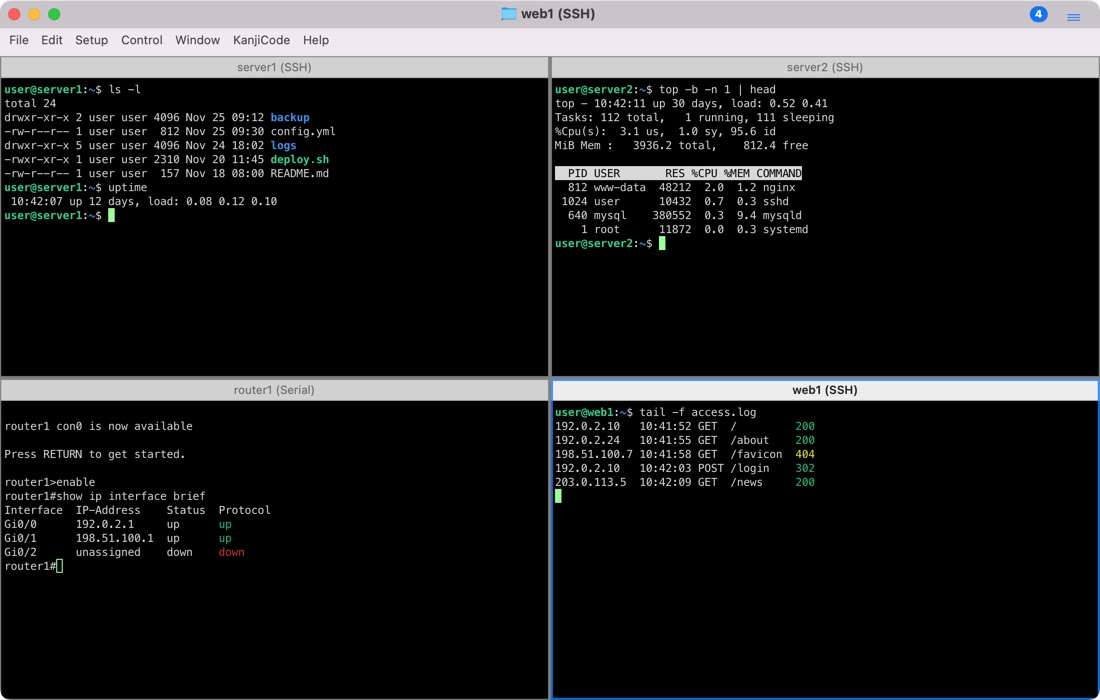
- Tabs, and split panes inside one window
- 14 interface languages. Automatic updates
Documentation
Everything about using the app is in the documentation. The same pages are in the app's [Help] menu.
Download and install
- Download
TeraTermMac.dmgwith the button below. - Open the DMG and drag Tera Term Mac to the Applications folder.
- Open it from Applications. The app tells you when a new version is out.