Quick guide
Features that only the Mac version has are listed in Features only in the Mac version.
Tera Term Mac is an app (a terminal emulator) for connecting from your Mac to servers and network devices and working on them.
It brings the well-known Windows Tera Term to the Mac: SSH, Telnet, serial connections and TTL macros all work.
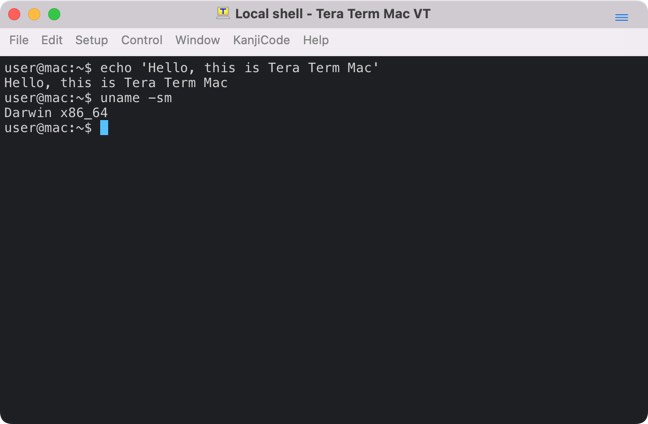
A Tera Term Mac window
If you are new, read the pages from the top. Each page takes only a few minutes.
Start here
- Launching, quitting and updates
- Connect to a server with SSH
- Connect to a serial device (USB serial cable)
- Terminal basics (copy and paste, scrolling, tabs and windows, menu bar)
- Show several sessions in one window (TTMado)
Once you are comfortable
- Record a log
- Send and receive files
- Change the look and the language
- Save the hosts you use often (TeraTerm Menu)
- Try a macro
- Troubleshooting
For details, see the Mac manual contents.